The Split node is used to split a shape by another shape or shapes. The result is a compound consisting of the result of the split. To use it either assign the shape1 and shape2 attributes or embed them as child nodes.
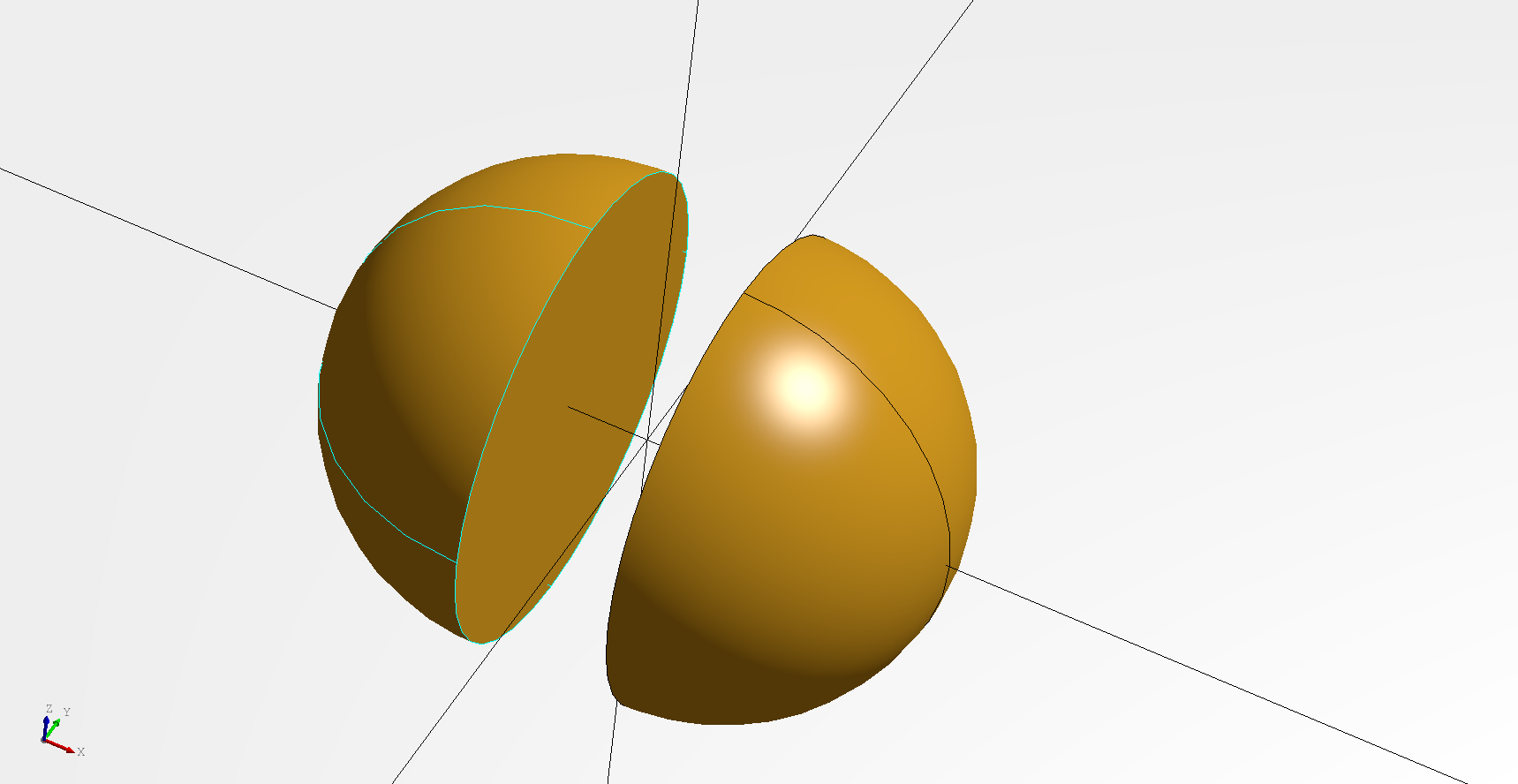
A very simple example would be splitting a sphere by plane and "exploding" it.
# Created in DeclaraCAD
from declaracad.occ.api import *

enamldef Assembly(Part):
    Axis:
        pass
    Split: split:
        # Split the sphere in half along the x axis
        display = False
        Sphere:
            radius = 3
        Plane:
            direction = (1, 0, 0)
    Transform:
        shape = split.topology.solids[0]
        operations = [Translate(x=1)]
    Transform:
        shape = split.topology.solids[1]
        operations = [Translate(x=-1)]
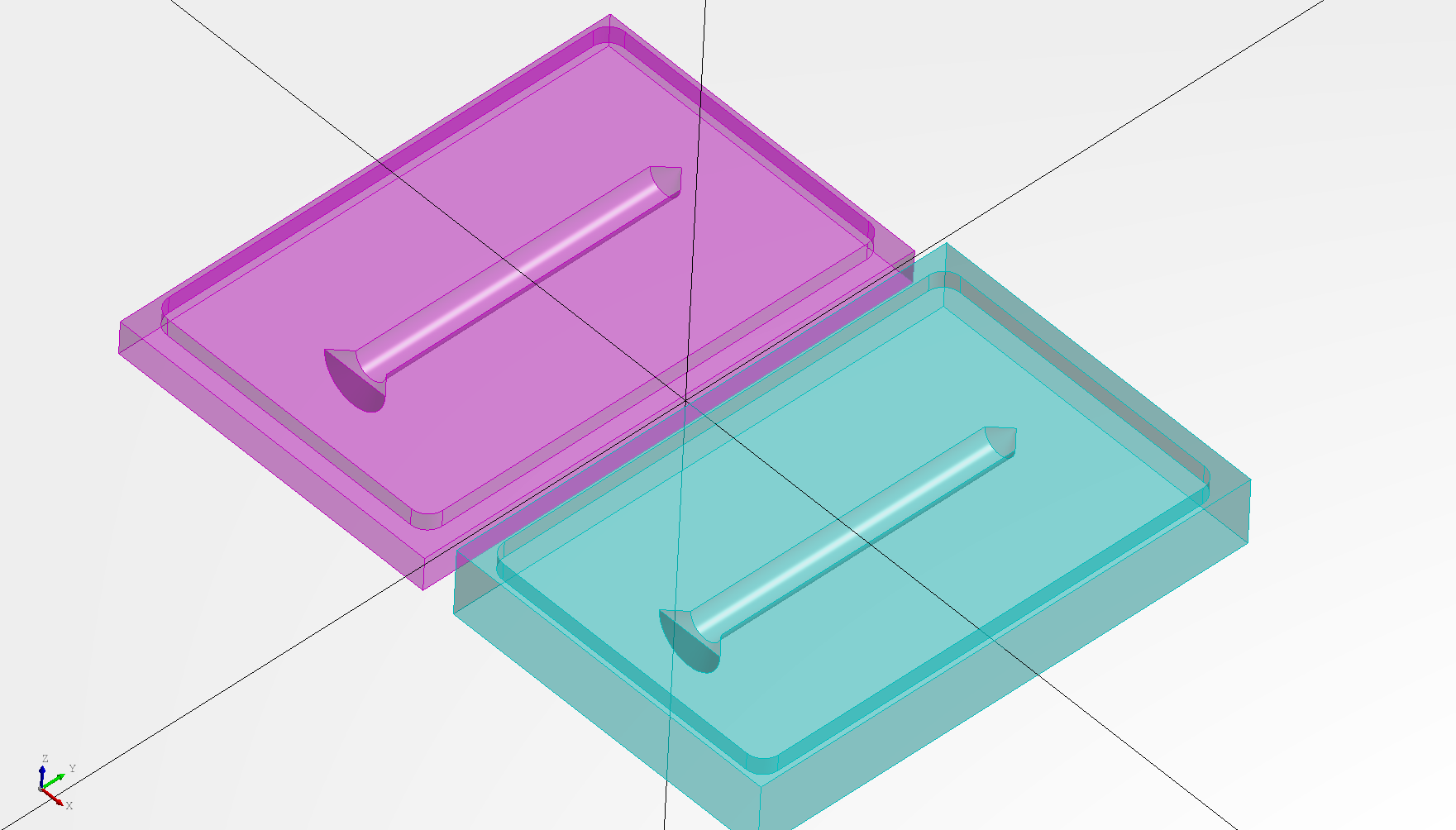
A more practical example would be splitting a volume along a split surface to create a two sides of mold as shown below.
# Created in DeclaraCAD
from math import pi
from declaracad.occ.api import *


enamldef SomeWidget(Part):
    Hole:
        direction = (0, 1, 0)
        position = (0, -depth/2, 0)
        depth = 20
        diameter = 2
        near_edge = ("cone", 1)
        far_edge = ("chamfer", 1)

enamldef Assembly(Part):
    Axis:
        pass
    Transform:
        # Extract only the bottom
        color = 'teal'
        transparency = 0.5
        shape = split.topology.solids[0]
        position = (box.dx/2+1, 0, 0)
        Split: split:
            # The shape we are splitting
            Cut: body:
                transparency = 0.8
                Box: box:
                    transparency = 0.5
                    position = (-dx/2, -dy/2, -dz/2)
                    dx = 20
                    dy = 30
                    dz = 6
                SomeWidget:
                    pass
            # The face splitting it
            Sew: split_face:
                Cut:
                    Transform: top_face:
                        # Create a copy of the top face and
                        # move it half way down
                        shape = box.topology.faces[5]
                        position = (0, 0, -2)
                    Face: inner_face:
                        # Create an offset of the top face and fillet
                        # the outer edges
                        Fillet:
                            radius = 1
                            Offset:
                                shape = top_face.topology.wires[0]
                                offset = -1
                # Move the face down
                Transform: bottom_face:
                    shape = inner_face
                    position = (0, 0, -1)
                # Extrude the outside to create a connected surface
                Extrude:
                    vector = (0, 0, -bottom_face.z)
                    Transform:
                        shape = bottom_face.topology.wires[0]
    Transform:
        color = 'purple'
        transparency = 0.5
        shape = split.topology.solids[1]
        operations = [
            Rotate(angle=pi, direction=(0, 1, 0)),
            Translate(x=box.dx/2+1)
        ]